Start Engine
Begin engine time.
 iSkyLabsFlight Time Recorder
Flight Time Recorder
A digital logbook that records the key moments of your flight, calculates your times and keeps a clear history on iPhone, iPad and Apple Watch.
Join the BetaCurrently being tested by pilots. Designed by iSkyLabs.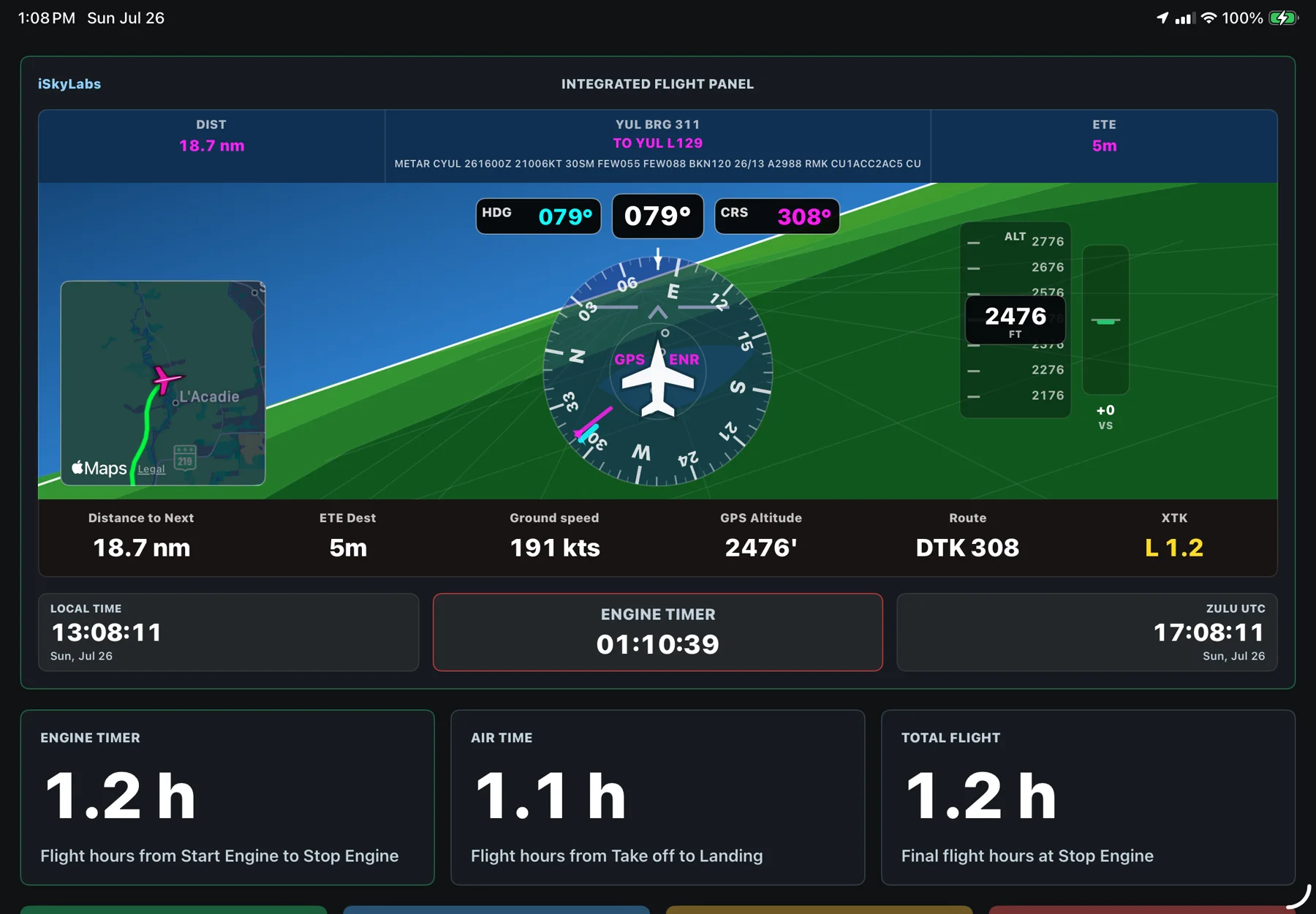
Built around the flight
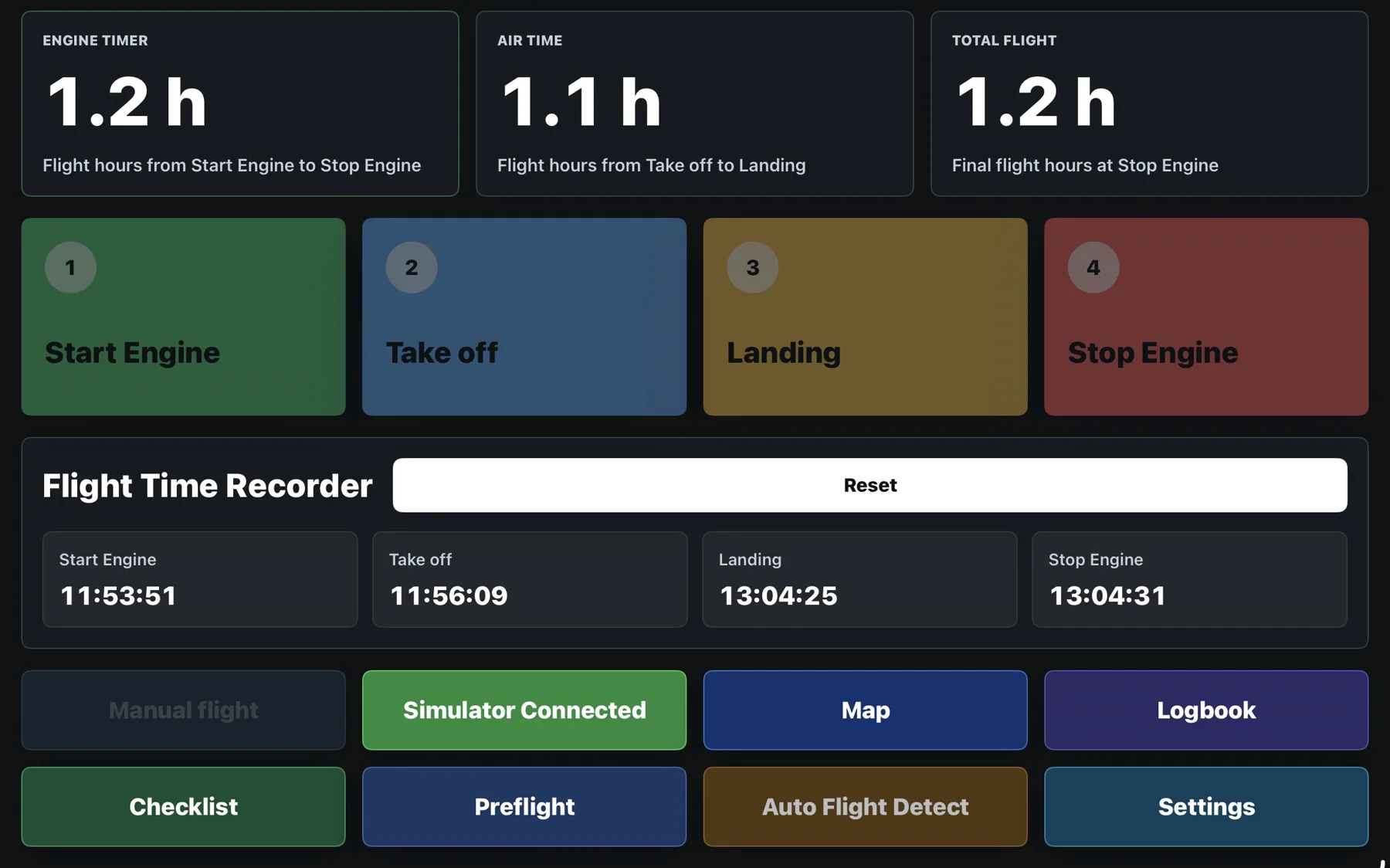
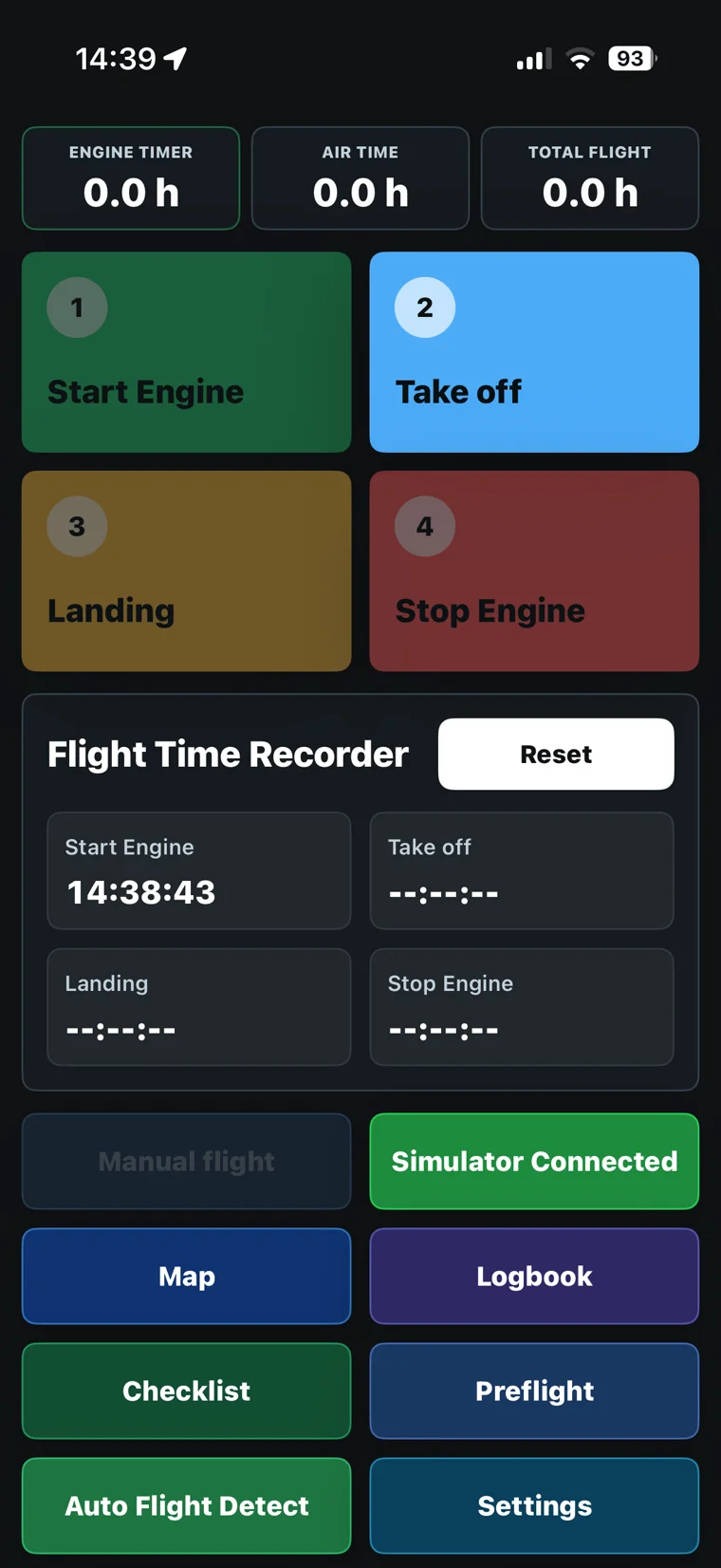
Start Engine. Take off. Landing. Stop Engine. Flight Time Recorder turns these simple events into engine time, airborne time and total flight time. Everything is ready for your logbook.
Begin engine time.
Begin airborne time.
Complete airborne time.
Finish the flight record.
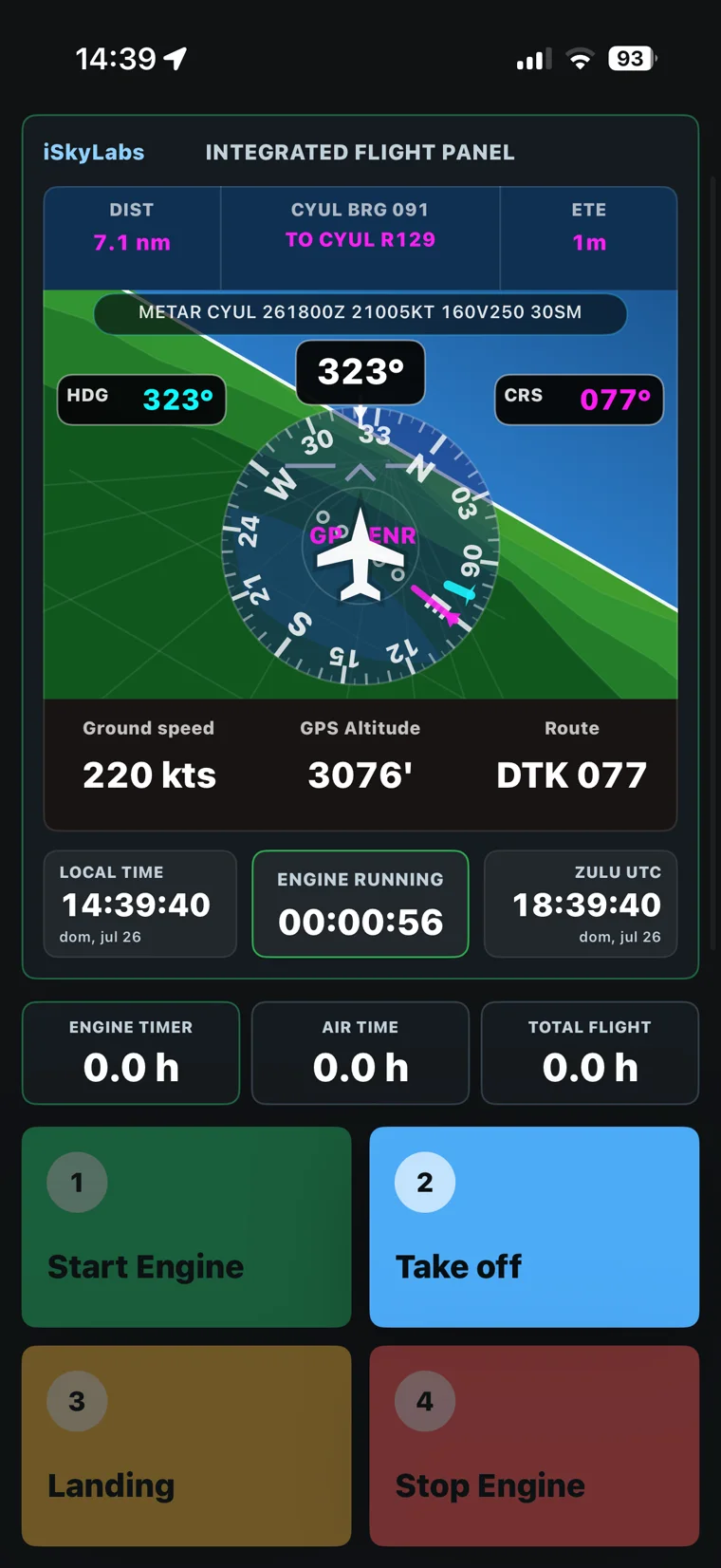
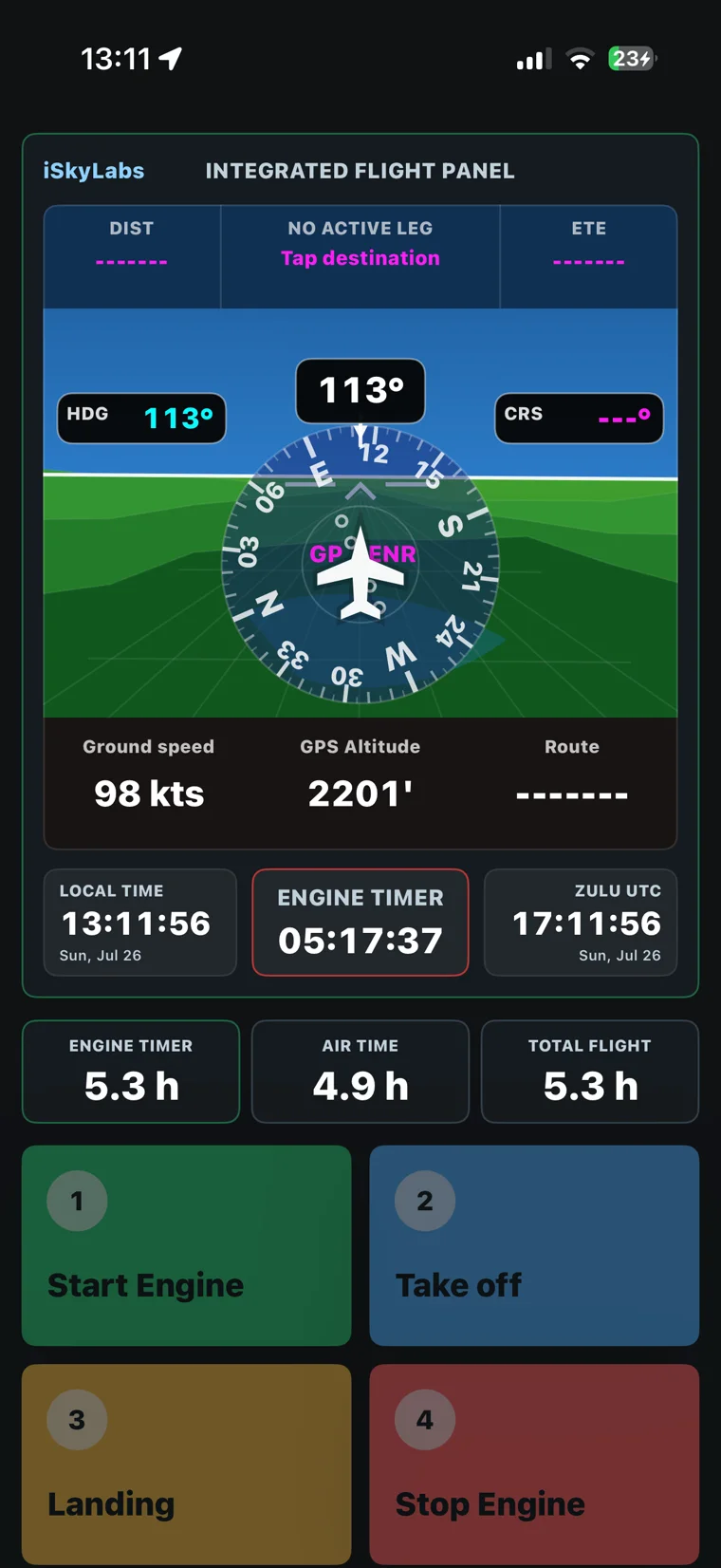
Integrated flight panel
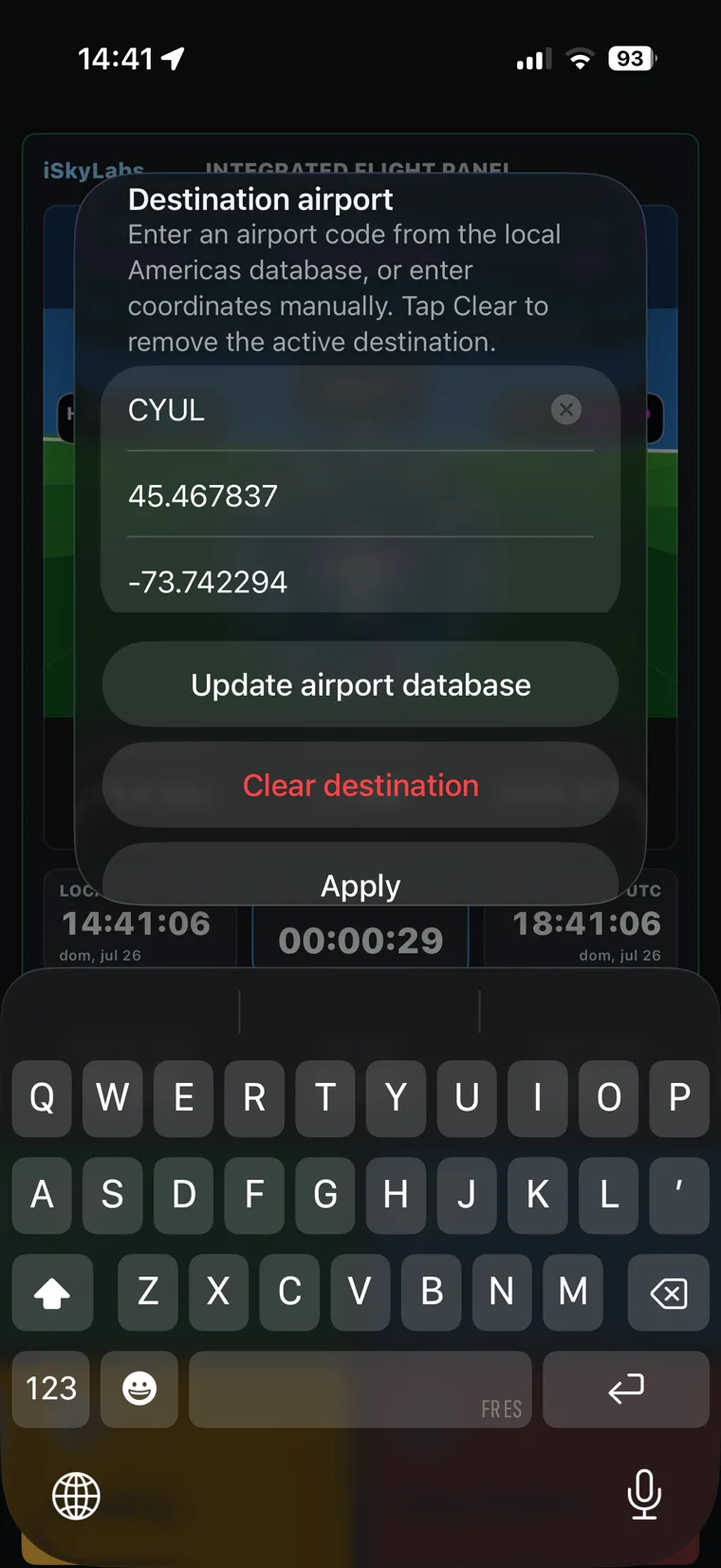
Local and Zulu time, GPS altitude, ground speed, route references and active timers share one readable display. It is useful context, not a replacement for certified instruments or official navigation sources.
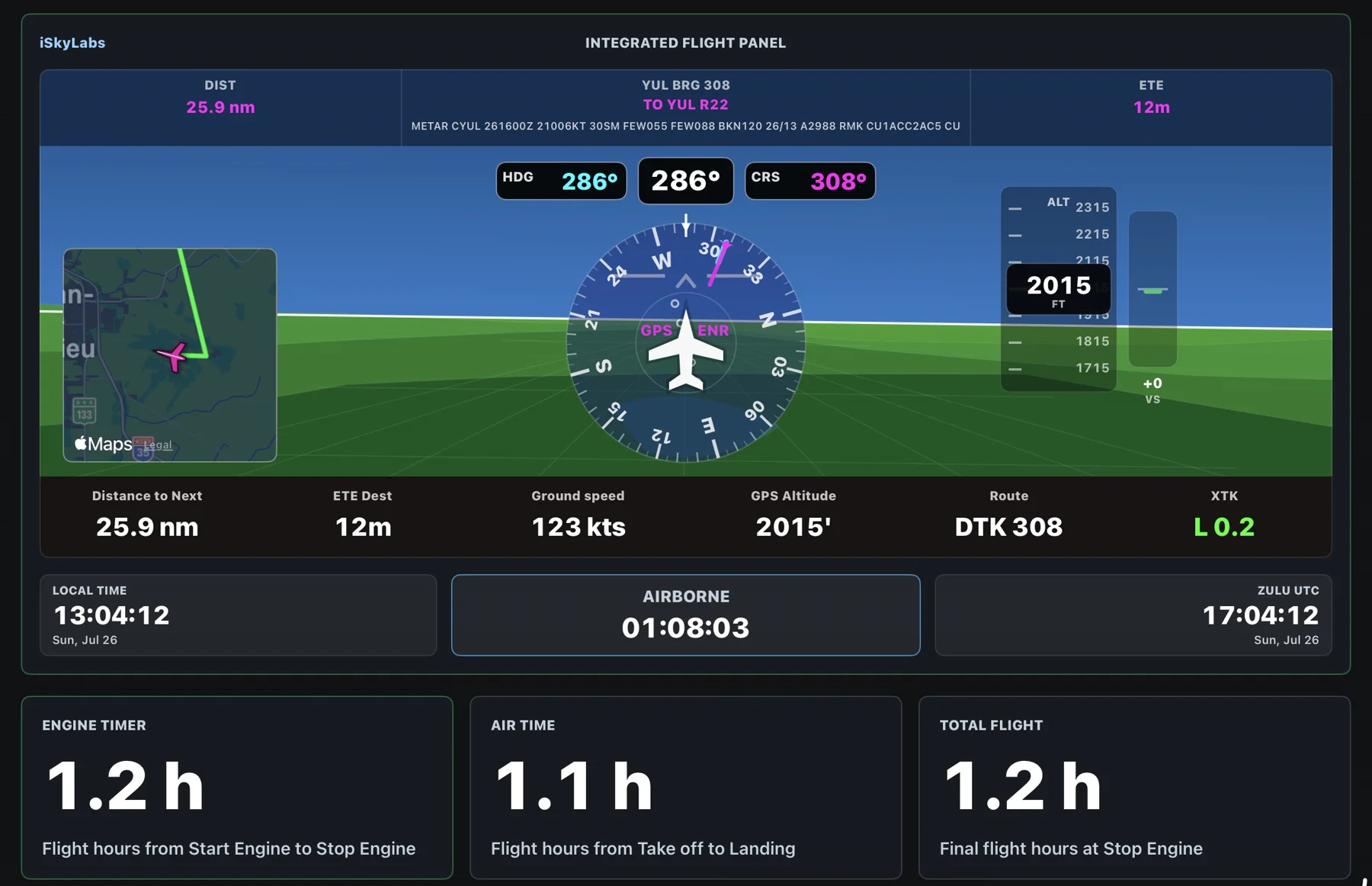
Automatic calculations from the events you record.
Readable flight information in one place.
Large controls designed for the cockpit.
Why Flight Time Recorder
Your attention belongs on the flight. Flight Time Recorder reduces the small interruptions involved in writing down times, organizing events and rebuilding the story after landing.
When Auto Flight Detect is active, available device data can support the recording of major flight transitions. You do not have to stop and write every time as it happens. You remain responsible for reviewing and correcting the final record.
Start Engine, Take off, Landing and Stop Engine become engine time, airborne time and total flight time. The calculations are ready when you need to complete your logbook.
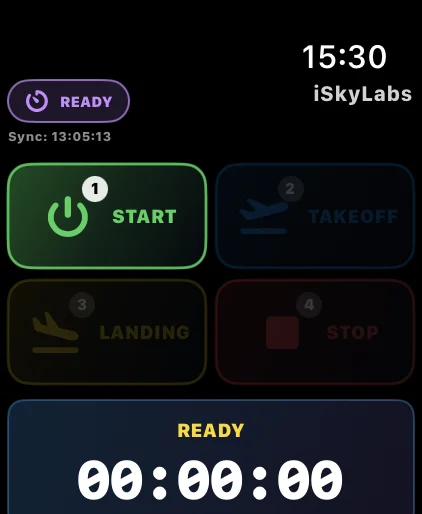
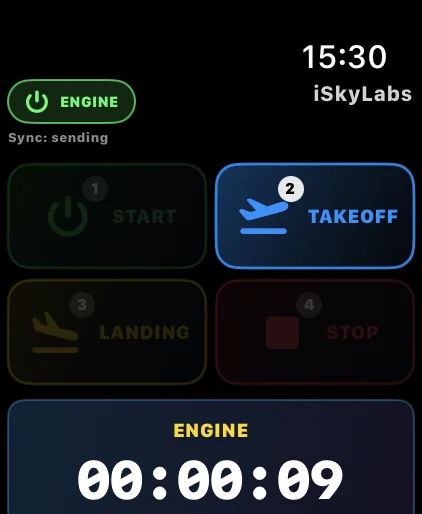
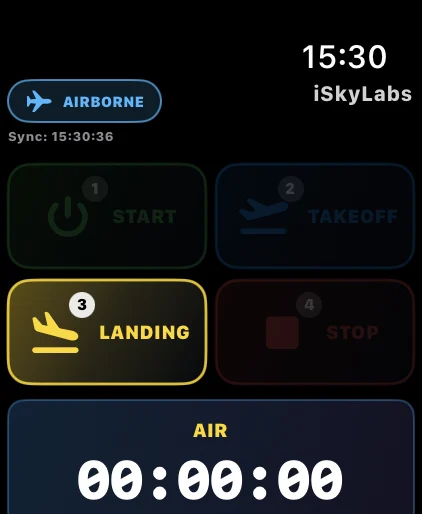
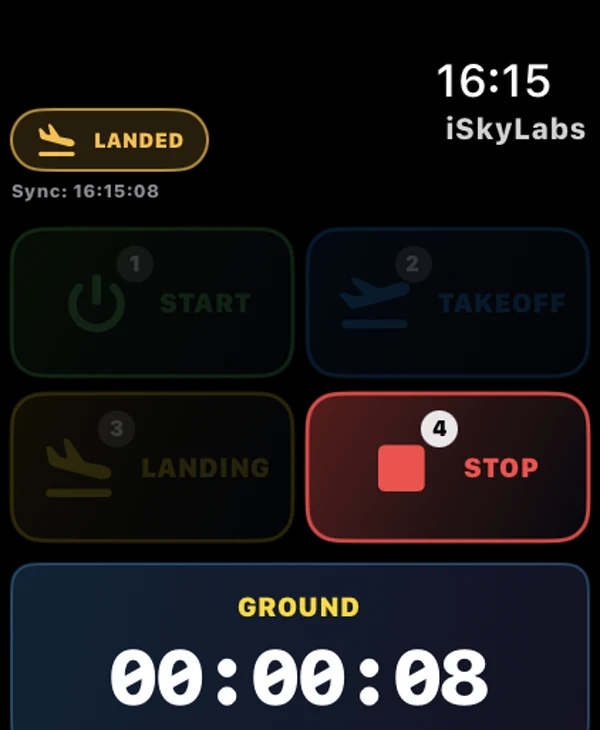
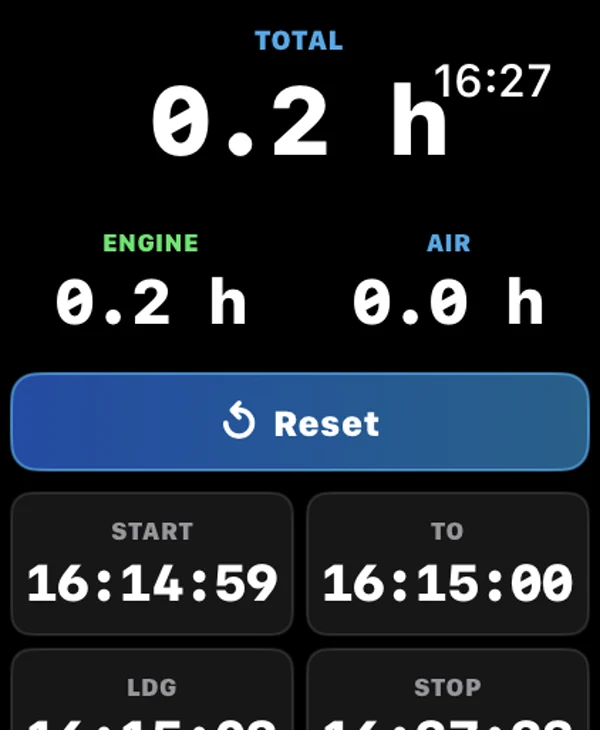
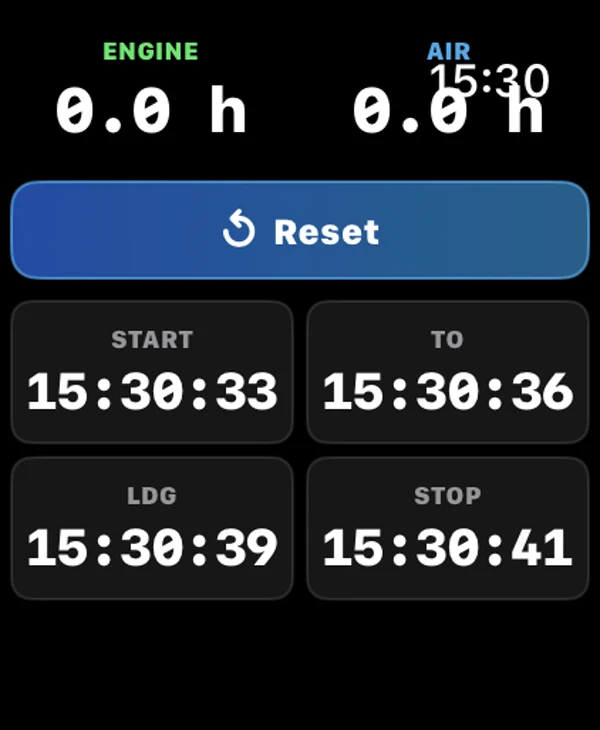
Apple Watch places the essential flight events within easy reach and sends them to the linked device, helping you interact with the record with fewer steps.
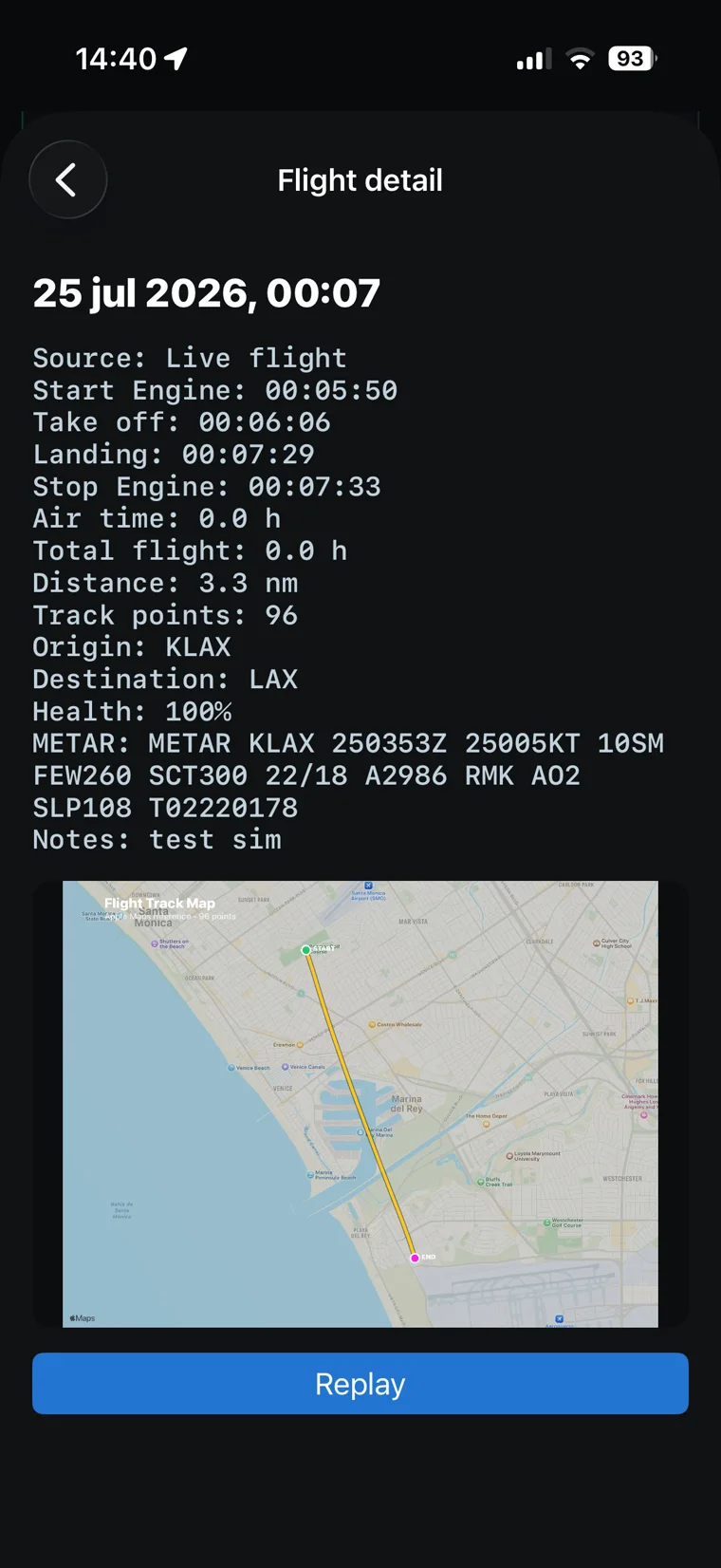
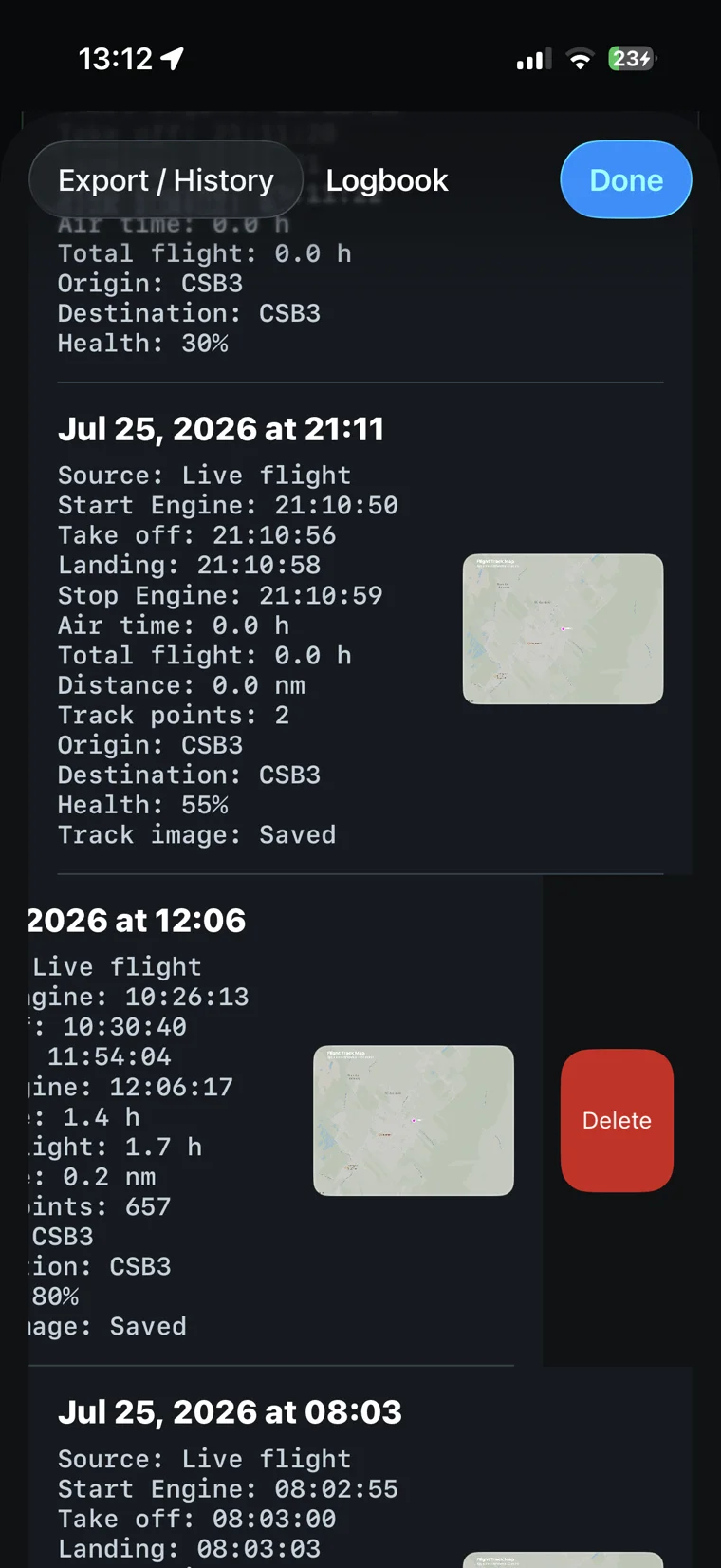
Aircraft, route, event times, track and notes remain together, so you can review the flight while the details are still fresh.
Less time reconstructing the flight. More confidence in the record.
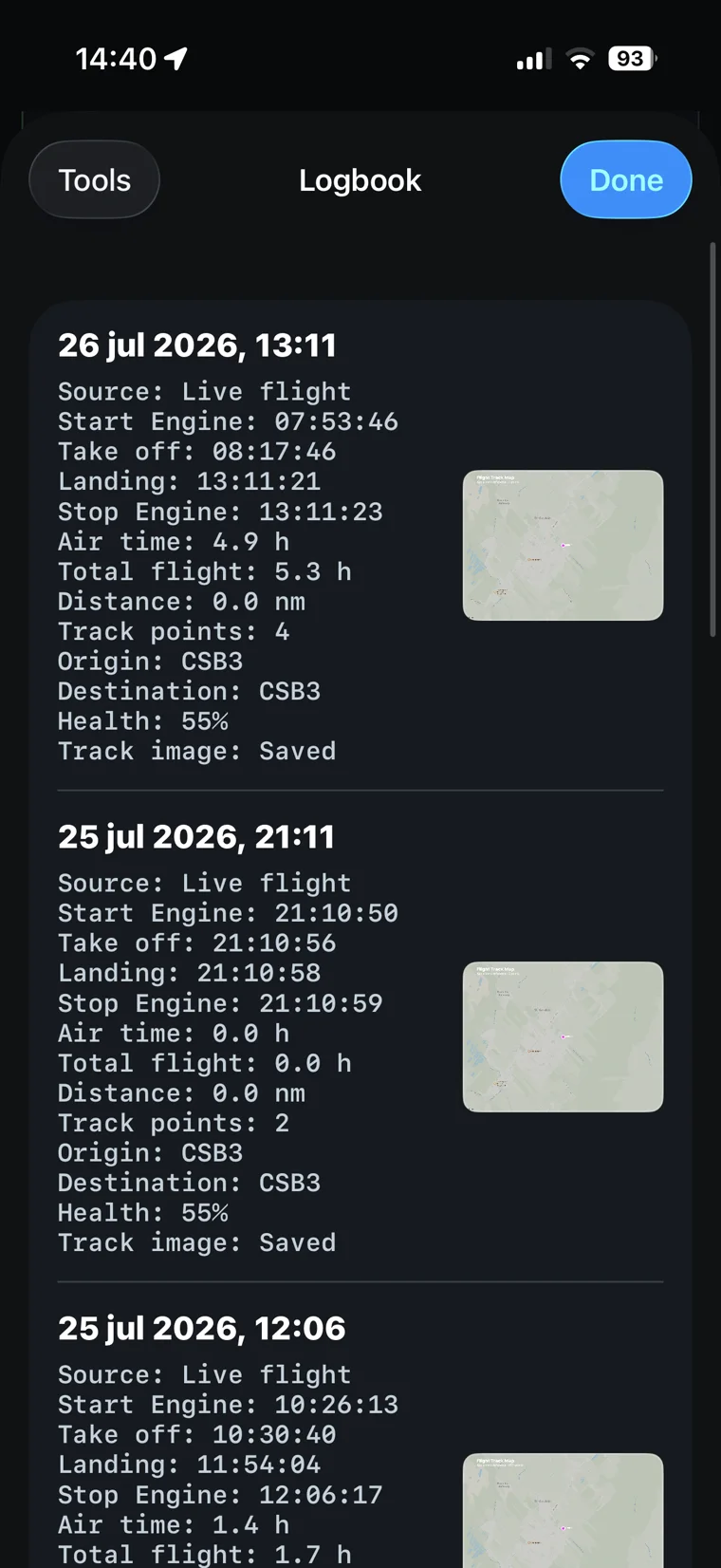
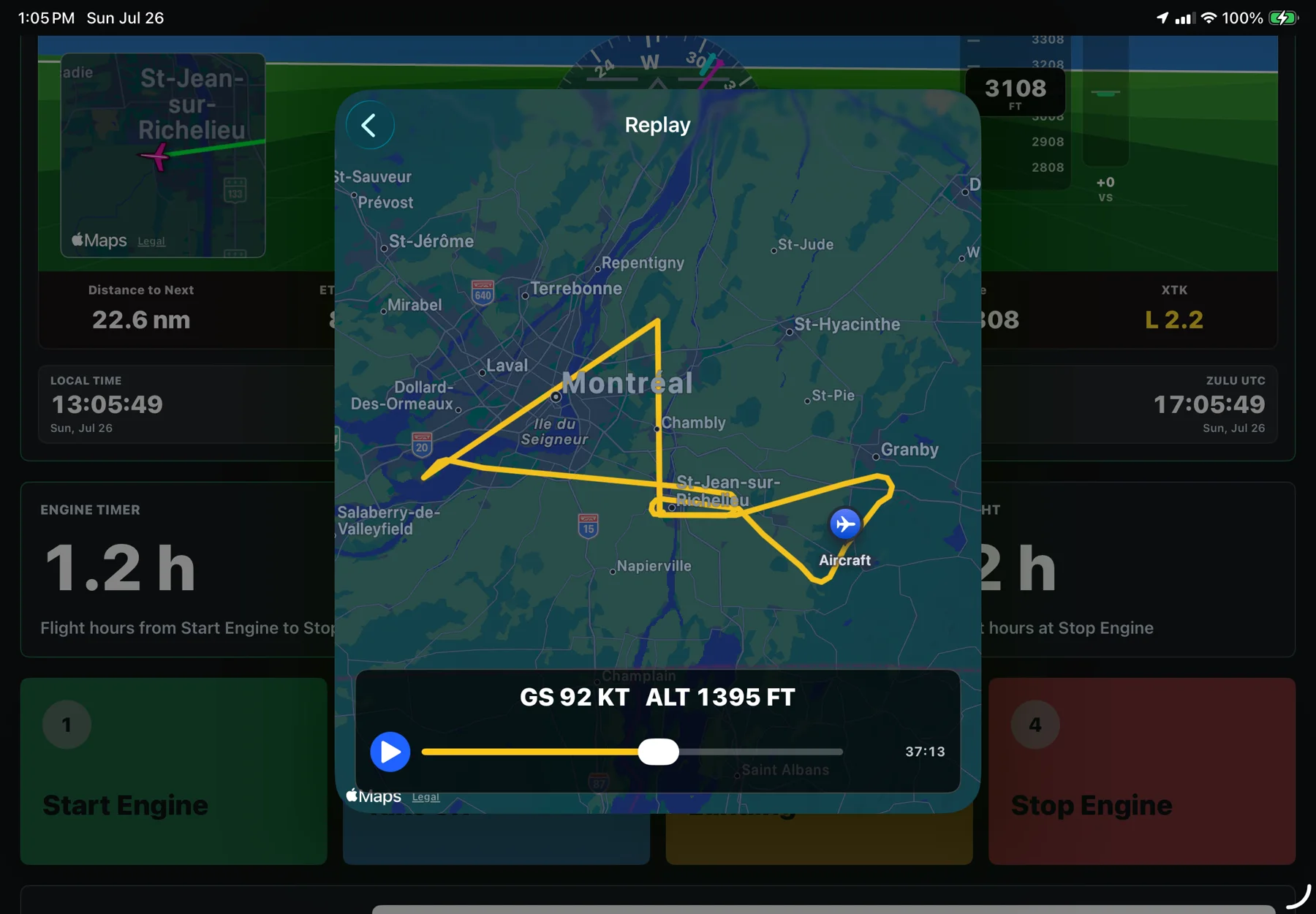
Logbook and replay
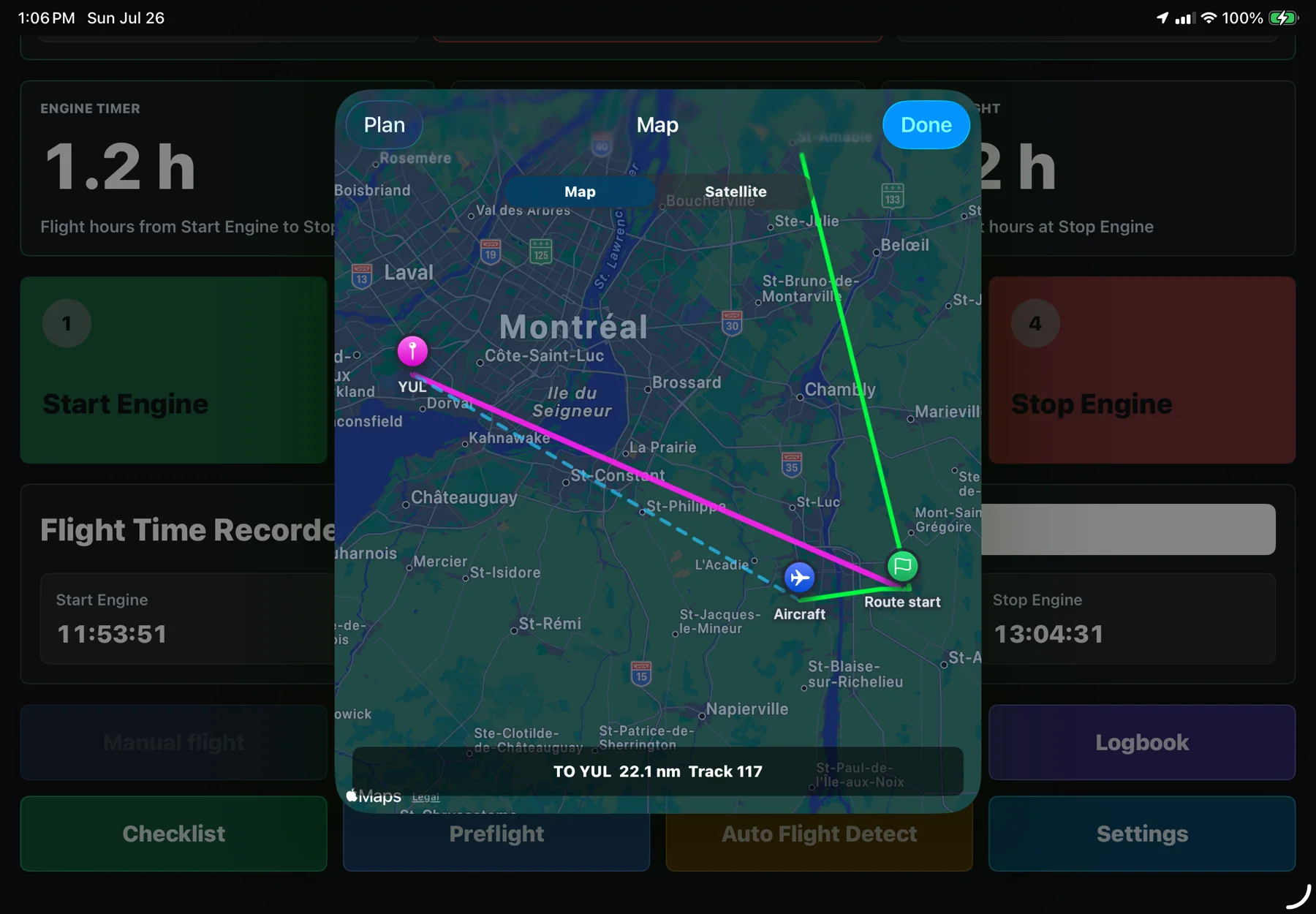
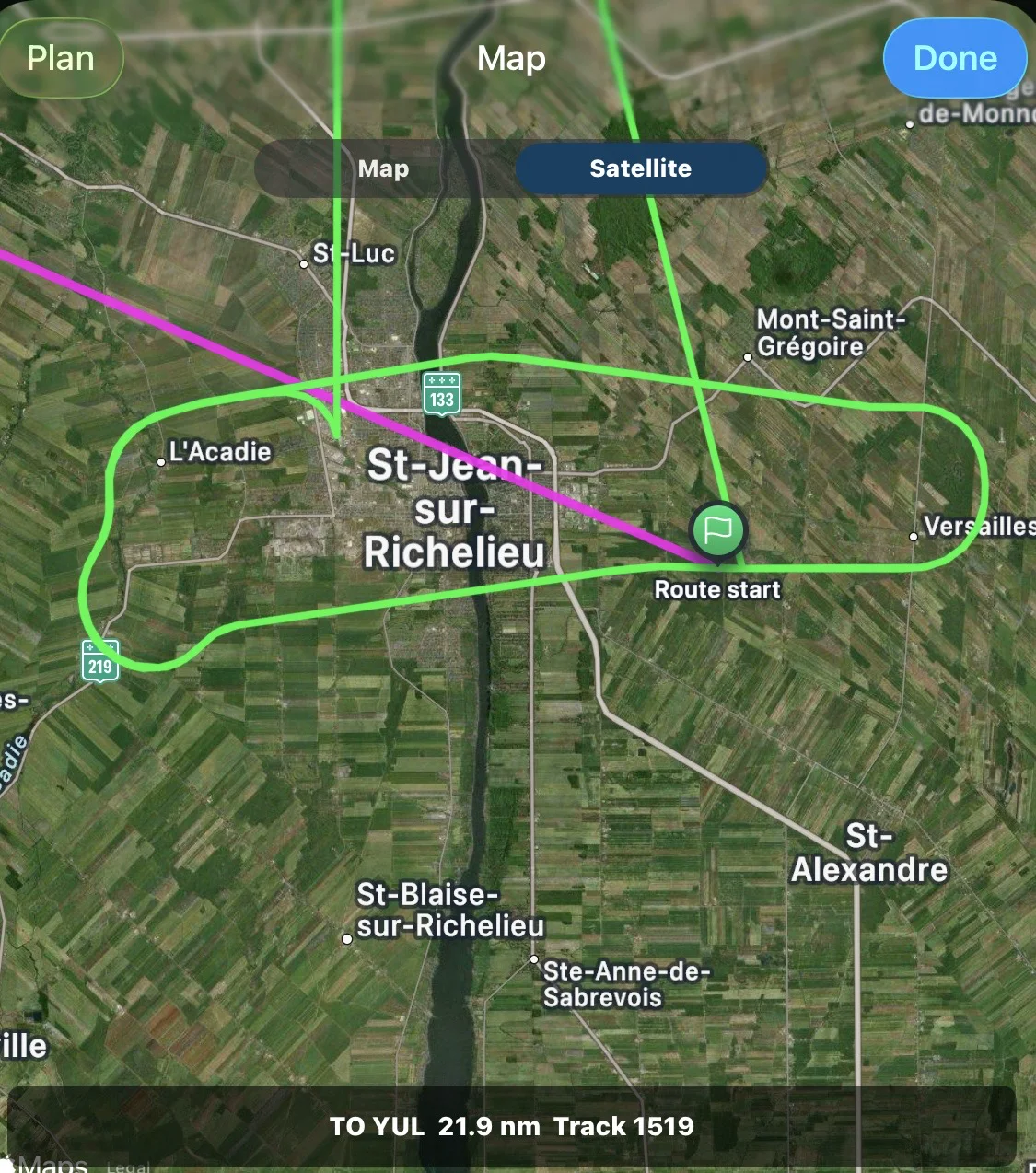
Each record keeps the aircraft, route, event times and notes together. Revisit a completed flight on the map, inspect its track and recall the details while they are still fresh.
Auto Flight Detect
Using available device data, automatic detection can support the recording of major flight transitions. You remain in control and can review or correct the final times.
Before you fly
Interactive checklists keep each item clear and easy to confirm. Preflight details can be prepared before engine start, so the flight begins with the right information.
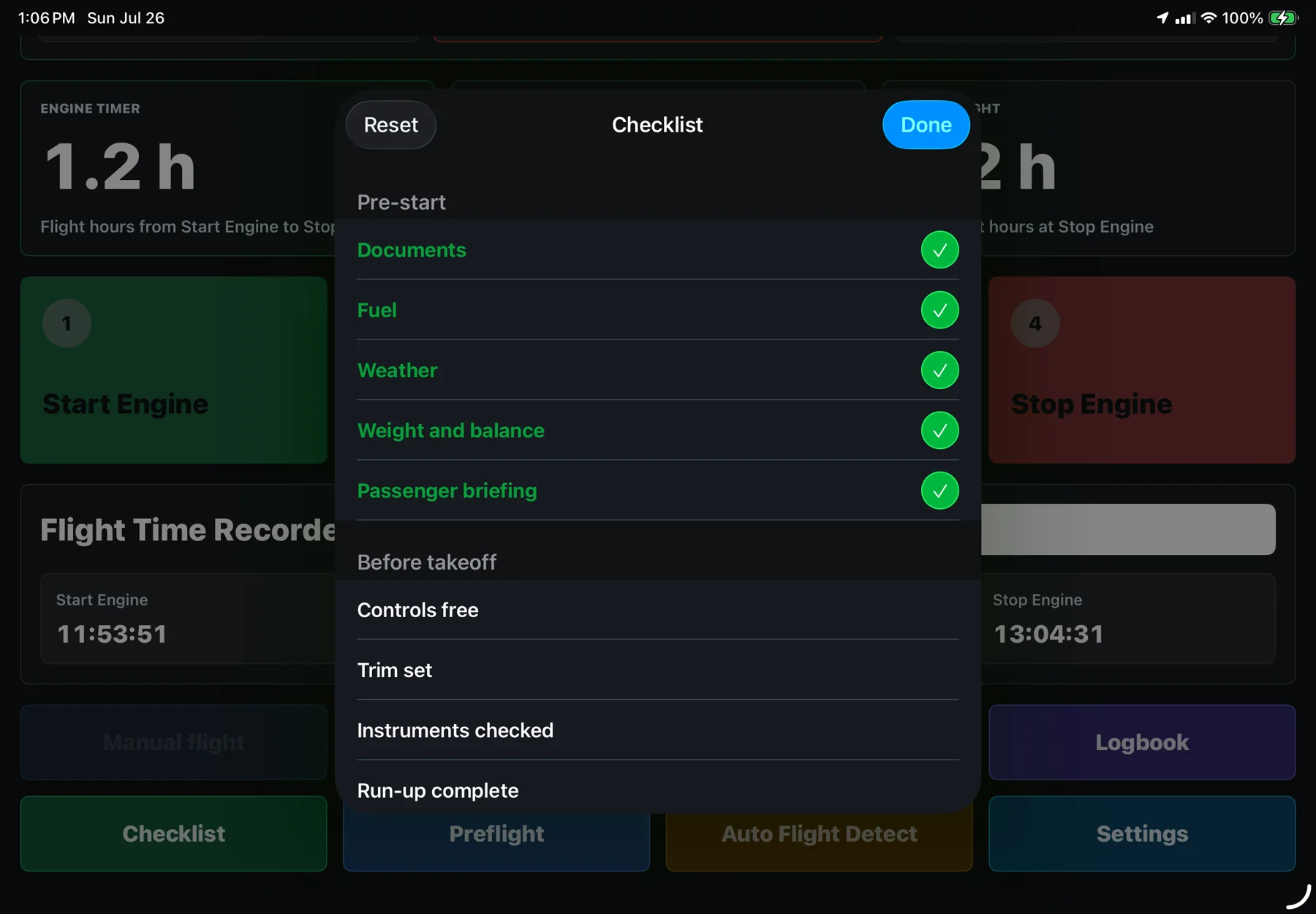
One experience. Three screens.
Use the spacious iPad panel, the portable iPhone experience and the quick Apple Watch companion.
Flight events on your wrist
Start Engine, Take off, Landing and Stop Engine stay within easy reach. Apple Watch sends these events to the linked device, helping your flight timeline move with you.
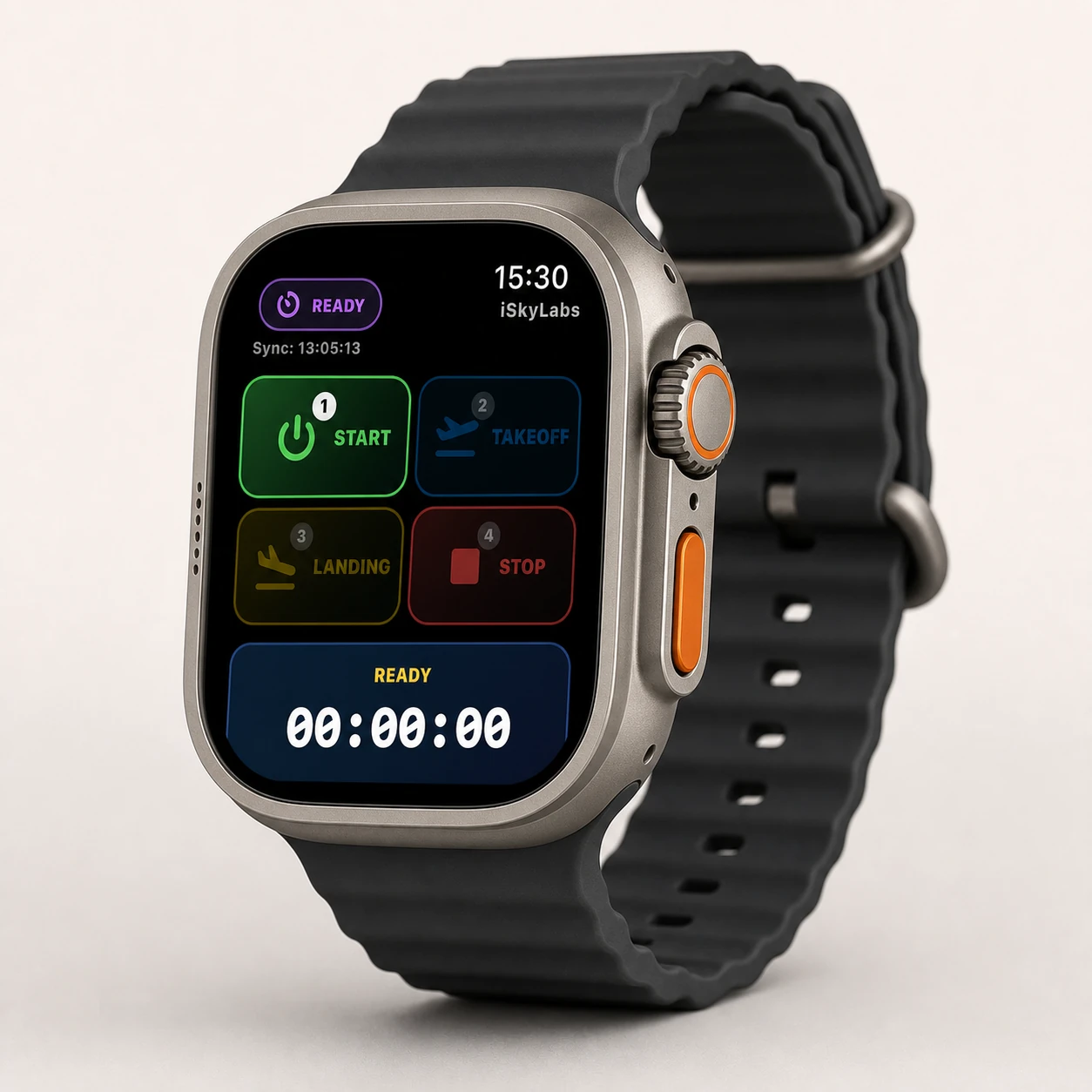
All your flight times, with a simple movement of your wrist.
More room for timers, flight context, checklists and the logbook.
Record, review and manage flights wherever you go.
View the active flight and reach essential controls quickly.
Practice without leaving the ground
Compatible simulation tools let you practise the recording workflow with simulated position, speed, track and altitude. Simulation data stays for training and testing. It is not for a real-flight record.
Your flights are yours
Flight Time Recorder is built to keep your flight records under your control. Read the current policy for complete details about permissions, storage and your choices.
Read Privacy Policy ›Simple from day one
Flight Time Recorder is currently in beta with pilots. Request access today and help shape the next release.
Beta access by request through iSkyLabs.
USD 14.99, one-time purchase. No subscription.
Designed for supported iPhone, iPad and Apple Watch devices.
Each iPhone or iPad keeps its own independent logbook.
Sends Start Engine, Take off, Landing and Stop Engine events to the linked device.
Not available in the current version. It may be considered for a future update.
Join the Flight Time Recorder beta and share your experience with iSkyLabs.
Join the Beta